
github.dev feels like home
Some tools feel small until one stressful day, and then they become part of your survival kit.
For me, that tool is github.dev.
I always struggled with the standard GitHub PR review flow when I need to edit during review. For tiny pull requests it is fine, but on larger ones I feel overloaded quickly. I lose focus, then I lose speed.
github.dev changed that for me. Open, fix, commit, push, done.
No setup. No waiting. Same shortcuts, same layout, same muscle memory as VS Code. It feels like a familiar escape hatch when I need a quick fix.
Why this feels different from the native GitHub editor/diff
Before github.dev, editing on GitHub felt like using an emergency tool. It worked, but it was awkward for anything beyond a tiny change. I opened one file, edited it, moved around commit screens, then repeated the same pattern.
github.dev changed this because it looks and behaves like VS Code. Same file tree, same command palette style, same keyboard habits. This matters more than many people think.
The older view is still useful, but it feels like a separate mental mode. github.dev feels like, “I am still in my normal coding environment, only in the browser.”
github.dev PR review experience
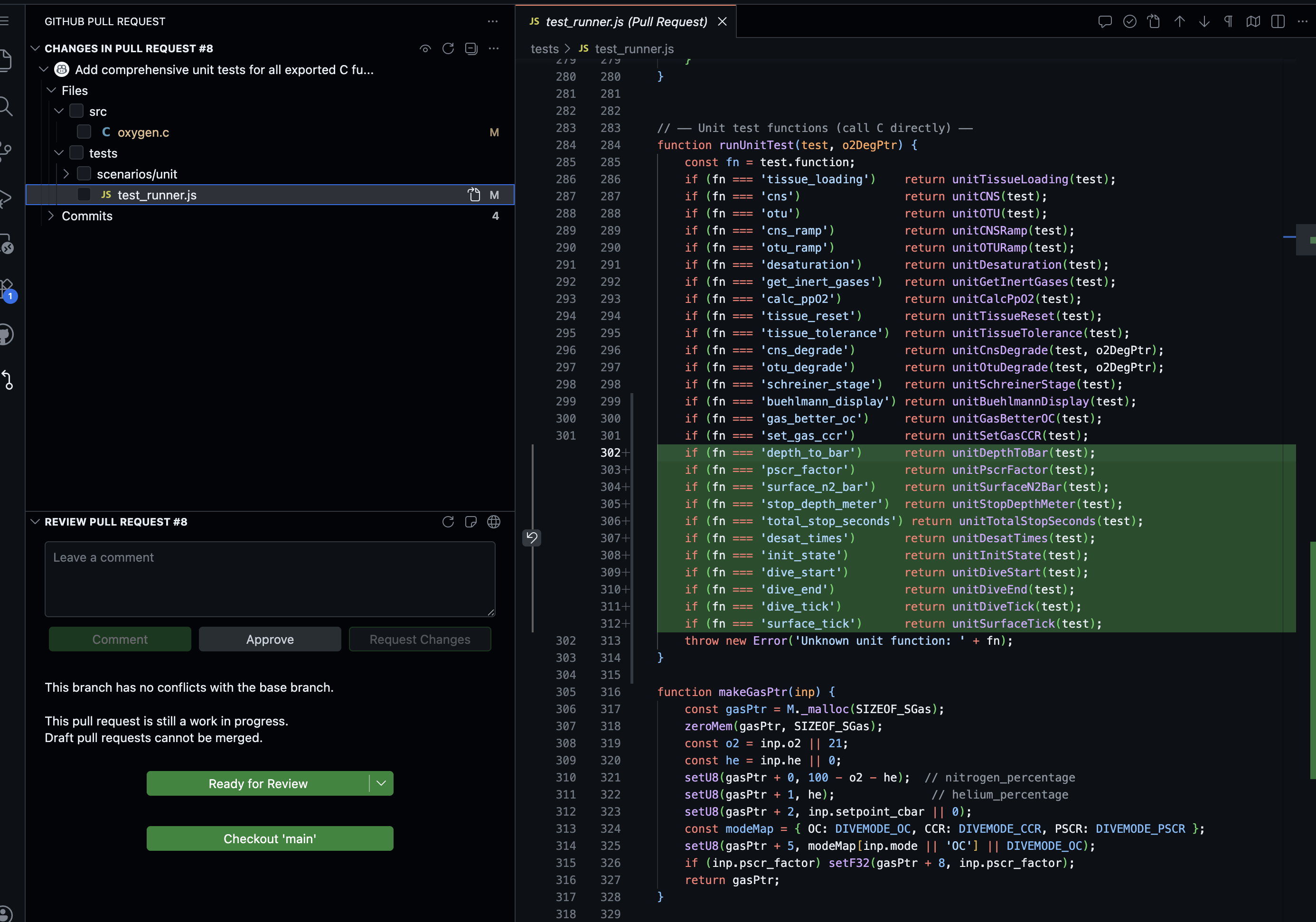
This is the part I like most. In github.dev, I keep the editor layout my hands already know. I can scan files, open exactly what I need, and make a change without feeling I switched to a different product.
One real example from my daily work: I got a review comment asking for a docs update and a small config fix in the same PR. I pressed ., opened github.dev, changed two files, committed from Source Control, and closed the loop in a couple of minutes. That small flow felt calm and focused.
Normal PR view experience
Now compare that with the normal pull request view. It is not bad. It is good for reading diffs and leaving comments. But when I need to move from review mode to edit mode, I feel the context switch. The layout changes, space feels tighter, and I lose that VS Code rhythm.
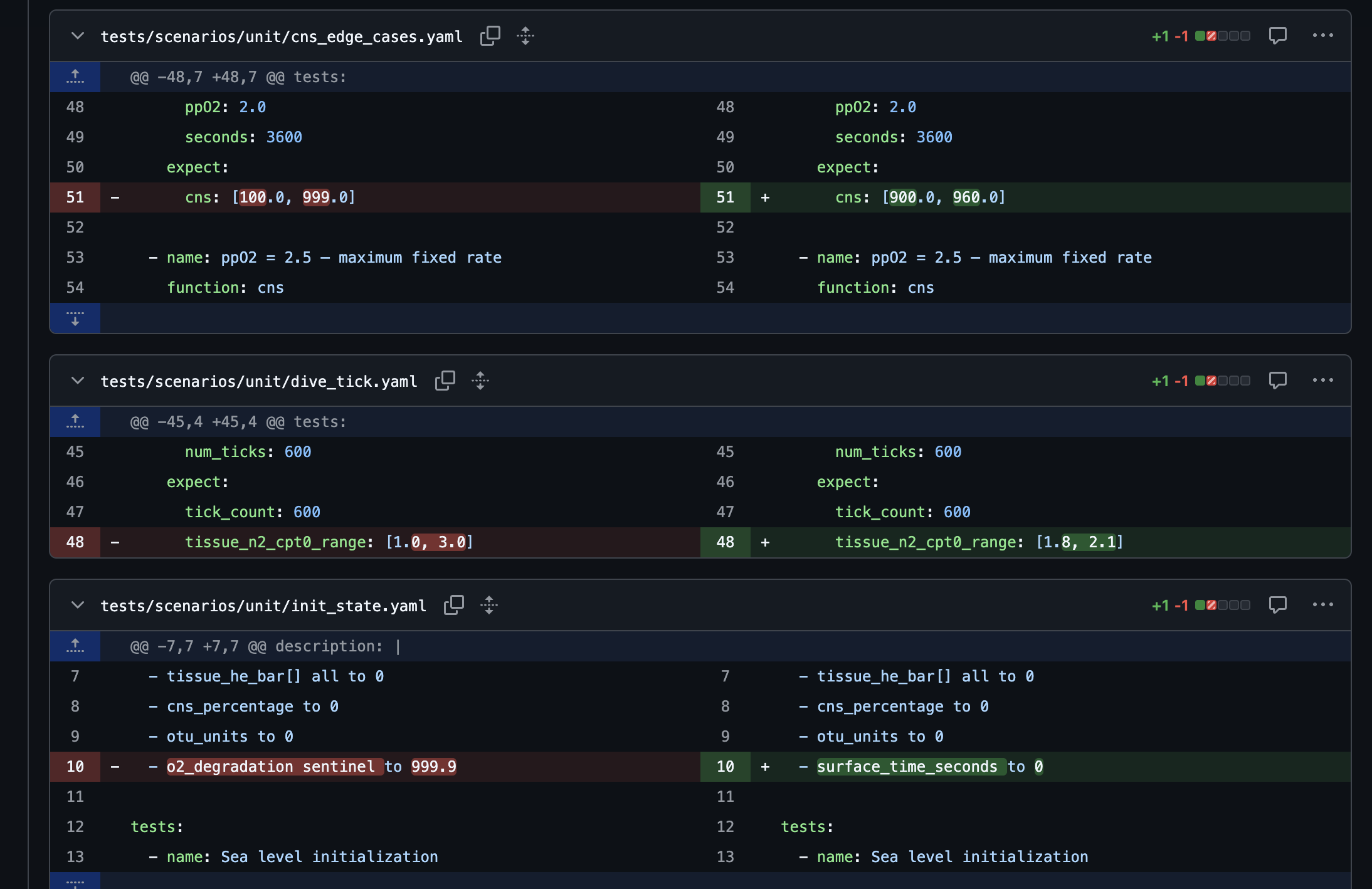
That contrast is the key point for me. github.dev does not only add convenience, it removes the mental tax of switching tools in the middle of one task.
My brain cannot handle too many UI differences
This part is personal, but I think many developers feel the same.
My brain does not enjoy learning many editing interfaces for the same job. Every time the UI changes too much, my speed drops. My eyes work harder. I spend energy finding buttons instead of solving the actual problem.
That is why the VS Code style wins in practice for me. Not because it is trendy, but because it is familiar and predictable. We can see this pattern everywhere now: desktop VS Code, browser editors, cloud IDEs, and many internal tools.
For my small brain and tired eyes, that consistency is a superpower.
The real value is cognitive comfort
People often describe tools with feature lists. I think the bigger story here is cognitive comfort.
When an editor feels familiar, you think less about the tool and more about the code. You keep momentum and stay in flow. For me, github.dev is exactly this kind of tool for quick PR fixes, docs updates, and small config changes.
I am not saying it replaces a full local environment. It does not. If I need terminal access, deep debugging, or build and test runs, I move to local VS Code or Codespaces.
But for fast edits and review follow-ups, github.dev hits a sweet spot that the old GitHub editor never fully reached for me.
Final take
github.dev is not exciting because it gives more features. It is exciting because it reduces friction and mental load.
We already spend enough brain power on other things.
VS Code became the default editing language for many developers. github.dev speaks that same language in the browser, and this is why it feels easy to use.