Testing IaC with Azure Resource Graph - Part 2
In Part 1, we went the hard way. Raw KQL files, a shell runner, and a simple “zero rows = pass” convention. That approach works when you have a handful of checks, but it starts showing cracks when your team grows. Someone opens a pull request with a new query and the reviewer asks, “What exactly is this checking and why?” The KQL is correct, but the intent is buried inside property paths and operators.
This post is about fixing that. We design an abstraction layer on top of Azure Resource Graph so tests read like specifications, not like database queries. The engine underneath is still KQL, but the interface becomes something your team can review, discuss, and extend without memorizing Azure property schemas.
The patterns I describe here are language-agnostic. You can build this in Python, Ruby, Go, Java, TypeScript, or whatever your team already uses for testing. To keep things concrete, I will use examples from graphSpec, a proof-of-concept Ruby library I built that wraps Azure Resource Graph with an RSpec-based DSL. It is not production software. It exists to illustrate the design choices and show what the patterns look like in real code.
Why raw KQL breaks down at scale
When you have five or ten KQL queries in a folder, things are manageable. When you get to thirty or fifty, problems show up.
KQL property paths are long and easy to mistype. Something like properties.encryption.requireInfrastructureEncryption is not fun to write over and over. You also lose context about what a test means. The query tells you what it checks, but not why it matters. And failure messages from raw queries are just row counts. “3 resources failed” does not tell the on-call engineer which specific expectation was violated.
What we want is closer to how application developers write tests. A clear setup, a named assertion, and a helpful message when things break. The language you write that in does not matter much. The design does.
The architecture
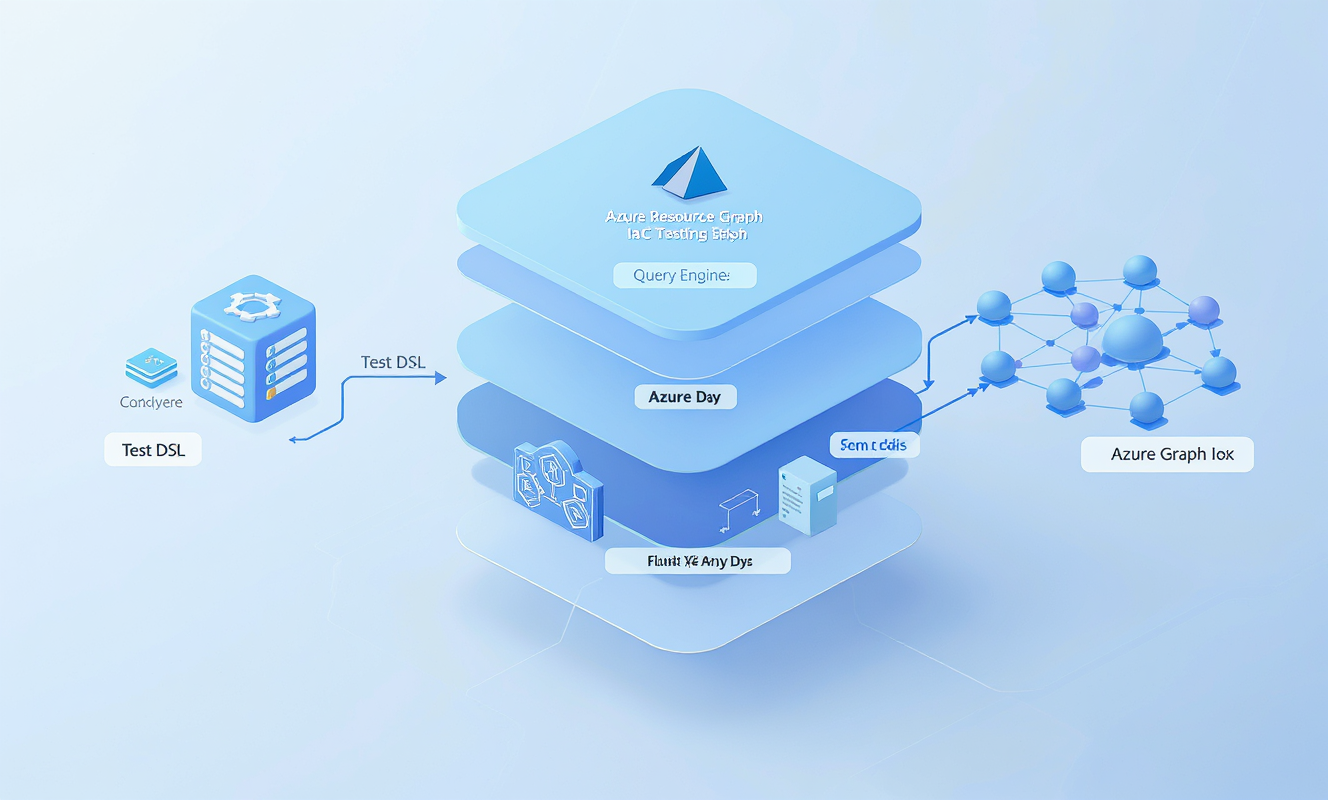
The core idea is simple. You put three layers between your test code and Azure:
- A test DSL that expresses what you expect in readable language
- A query engine that translates semantic names into KQL property paths and runs the queries
- Azure Resource Graph itself, which returns the current resource state as JSON
flowchart LR
  DSL["Test DSL<br/>should_exist(), should_have_https_only(true)"]
  QE["Query Engine<br/>semantic name to KQL path + query execution"]
  ARG["Azure Resource Graph<br/>read-only, returns JSON"]

  DSL -->|assertion call| QE
  QE -->|KQL query| ARG
  ARG -->|resource JSON| QE
  QE -->|pass / fail| DSL
The test DSL is where your team works daily. The query engine is internal plumbing. Azure Resource Graph is the source of truth. This separation means you can change the internal query logic without touching any test, and you can write new tests without knowing how the queries work.
Five patterns for the DSL layer
These patterns work regardless of your language choice. I will explain each one and then show how it looks in practice.
Pattern 1: Lazy resource loading
When you create a resource reference in your test, it should not hit Azure immediately. The query fires only when the first assertion needs the data. This avoids unnecessary API calls and keeps test setup cheap.
In graphSpec, a helper method returns an object that stores the resource coordinates but does not query Azure until the first matcher runs:
# The helper creates an AzureStorageAccount object, no query yet
describe azure_storage_account(name: 'mystorageacct123') do
  # NOW it queries Resource Graph, then checks the property
  it { should exist }
  it { should have_https_only }
end
Under the hood, the azure_storage_account helper just stores the name and resource type. The actual KQL query fires the first time a matcher like exist or have_https_only needs the data. The same design works in any language. In Python, a factory function returns an object that fetches on first access. In Go or Java, a struct with a private load() method called once on first assertion. The point is always the same: separate reference creation from data fetching.
Pattern 2: Result caching
Once a resource is fetched, cache it. If your test checks five properties on the same storage account, that should be one KQL query, not five. This also matters when multiple test functions reference the same resource.
In graphSpec, a shared class-level cache keyed by resource type and name ensures that different spec files reuse the same data:
class AzureResourceBase
  def initialize(name, client, cache, resource_type)
    @name = name
    @client = client
    @cache = cache          # shared across all specs
    @resource_type = resource_type
  end

  def resource
    cache_key = "#{@resource_type}:#{@name}"
    @cache[cache_key] ||= fetch_resource  # one query, ever
  end
end
You can also cache at the object level instead of sharing across files. Either strategy works. The key rule is: one resource, one query, no matter how many assertions.
Pattern 3: Semantic property names
This is where the real readability comes from. Instead of writing properties.supportsHttpsTrafficOnly in every test, you define a mapping once. In graphSpec, each resource class maps semantic names to ARM property paths directly in code:
class AzureStorageAccount < AzureResourceBase
  def initialize(name, client, cache)
    super(name, client, cache, 'microsoft.storage/storageaccounts')
  end

  def sku_tier
    resource&.dig('properties', 'sku', 'tier')
  end

  def encryption_enabled?
    resource&.dig('properties', 'encryption', 'services', 'blob', 'enabled') == true
  end
end
You could also define these mappings in a YAML or JSON config file and auto-generate the methods. Either way, the design goal is the same: when Azure changes a property path in a new API version, you update the mapping in one place, not in every test file.
You should always keep a generic fallback for properties not in the mapping yet. Something like its("properties.some.new.field") that takes a raw dot-path. This way your team is never blocked waiting for someone to add a new mapping.
Pattern 4: Chainable assertions
Group all assertions for one resource together so readers instantly see the full set of expectations. In RSpec, the describe block does this naturally:
describe azure_storage_account(name: 'mystorageacct123') do
  it { should exist }
  it { should have_https_only }
  it { should have_public_access_disabled }
  it { should have_encryption_enabled }
  its(:sku_tier) { should eq('Standard') }
end
All checks are visually and logically grouped under one resource. Each it block produces its own pass/fail result, so you know exactly which expectation broke. In a chaining style (common in Python or Go), you would have each assertion method return self so you can write resource.should_exist().should_have_https_only(). Different syntax, same design choice.
Pattern 5: Clear failure messages
When a check fails, the message should tell you three things: which resource, what was expected, and what was actually found.
In graphSpec, each custom matcher includes a failure_message block that formats this for you:
RSpec::Matchers.define :be_in_region do |region|
  match do |resource|
    resource.location == region
  end

  failure_message do |resource|
    "expected #{resource} to be in region '#{region}', " \
    "but it's in '#{resource.location}'"
  end
end
When this fails, the output reads: expected Azure Storage Account 'mystorageacct123' to be in region 'eastus', but it's in 'westus2'. That is actionable. “Query returned 1 row” is not.
Build this into your assertion methods from the start. It takes a little extra work, but it saves debugging time every single day the tests run in CI.
Handling complex checks
Some infrastructure assertions cannot be expressed as simple property comparisons. Checking if a VM is running might require querying an instance view API. Checking if an NSG allows SSH from the internet means expanding security rules and filtering across multiple fields.
For these cases, you write domain-specific matchers that hide the complexity behind a single call. In graphSpec, the be_running matcher handles the logic of checking state across different resource types:
describe azure_virtual_machine(name: 'my-vm') do
  it { should exist }
  it { should be_running }
  its(:vm_size) { should match(/Standard_/) }
end

describe azure_key_vault(name: 'my-kv') do
  it { should exist }
  it { should have_soft_delete_enabled }
  it { should have_purge_protection }
end
The design choice is: keep simple property checks generic (like be_in_region or have_tag), but write domain-specific resource classes and matchers for complex logic that involves multiple fields or secondary queries. A good rule of thumb is, if three tests would need the same multi-step check, it deserves a named matcher.
Use case: Testing an AKS module contract
To see how these patterns come together, consider a real design problem. Your platform team builds a reusable AKS module in Bicep or Terraform. The module does not expose every possible Kubernetes knob. Instead, it offers two cluster profiles that represent deliberate architectural choices: public and internal.
A public cluster is internet-facing. It gets a public FQDN, a load balancer with a public IP, and the API server is accessible from outside the virtual network. An internal cluster is locked down. Private cluster mode is enabled, the API server is only reachable through a private endpoint, the load balancer is internal, and egress is controlled through user-defined routing.
Each profile constrains what the consumer can configure. A public cluster allows kubenet or Azure CNI for networking. An internal cluster requires Azure CNI because private link networking depends on it. These constraints are the interface, the contract between the platform team and the module consumers.
flowchart TB
  User["Module Consumer"]
  Module["AKS Module"]

  User -->|"cluster_profile = public"| Module
  User -->|"cluster_profile = internal"| Module

  Module -->|public| PUB["Public Cluster<br/>• Public FQDN<br/>• Public LB IP<br/>• API server accessible<br/>• kubenet or Azure CNI"]
  Module -->|internal| INT["Internal Cluster<br/>• Private cluster enabled<br/>• Internal LB only<br/>• Private DNS zone<br/>• Azure CNI required<br/>• User-defined egress"]
The question becomes: how do you verify that the module actually delivers what the contract promises? Not in a design document, but in your CI pipeline, after every deployment.
Defining the contract as tests
Using graphSpec’s DSL, the public profile tests read like a specification:
describe 'Public AKS cluster contract' do
  describe azure_aks_cluster(name: 'my-public-cluster') do
    it { should exist }
    it { should be_in_region('eastus') }
    it { should_not have_private_cluster_enabled }
    it { should have_public_fqdn }
    its(:network_plugin) { should be_in(['kubenet', 'azure']) }
  end

  describe azure_resource(type: 'microsoft.network/loadbalancers',
                          name: 'kubernetes') do
    it { should exist }
    it { should have_public_frontend_ip }
  end
end
And the internal profile has its own set:
describe 'Internal AKS cluster contract' do
  describe azure_aks_cluster(name: 'my-internal-cluster') do
    it { should exist }
    it { should have_private_cluster_enabled }
    it { should_not have_public_fqdn }
    its(:network_plugin) { should eq('azure') }
    its(:outbound_type) { should eq('userDefinedRouting') }
    it { should have_private_dns_zone_configured }
  end

  describe azure_resource(type: 'microsoft.network/loadbalancers',
                          name: 'kubernetes-internal') do
    it { should exist }
    it { should have_internal_frontend_ip }
  end
end
Each describe block is a readable contract. A product manager can look at the internal cluster spec and confirm it matches the security requirements without understanding KQL or ARM property paths. When a developer changes the module, CI runs both profiles and immediately reports if either contract is broken.
Testing the constraints
The contract also includes what should not be possible. If the internal profile is selected, the cluster must not have a public FQDN. If the public profile is selected, the egress type should not be user-defined routing since that requires extra infrastructure the public profile does not provision.
describe 'Internal cluster: zero public surface' do
  describe azure_aks_cluster(name: 'my-internal-cluster') do
    it { should_not have_public_fqdn }
    it { should_not have_public_ip_on_nodes }
    its(:authorized_ip_ranges) { should be_empty }
  end
end
These negative assertions are the most valuable part. They catch drift. Someone adds a public IP for debugging and forgets to remove it. The pipeline catches it because the contract says the internal profile has zero public surface.
Running the contract tests in CI
In your pipeline, the flow is straightforward:
- Deploy the AKS module with
cluster_profile = publicinto an ephemeral resource group - Run the public contract tests against that resource group
- Tear down the resource group
- Deploy again with
cluster_profile = internal - Run the internal contract tests
- Tear down
Each run takes a few minutes. Resource Graph queries are fast (usually under a second), so the test suite itself finishes in seconds. The deployment is what takes time, and you are already doing that for integration tests anyway.
Talking to Azure Resource Graph
Your query engine needs to talk to Azure Resource Graph. There are two main approaches, and both work fine.
The first is using the Azure SDK for your language. Python has azure-mgmt-resourcegraph, .NET has Azure.ResourceManager.ResourceGraph, and so on. This gives you proper authentication through DefaultAzureCredential, structured error handling, and access to other Azure APIs for secondary queries.
The second is calling az graph query as a subprocess. This is the approach graphSpec takes. No SDK dependency, no credential management code, no version pinning. If the user can run az graph query in their terminal, the tests will work:
class AzureResourceGraphClient
  def query(kql_query, subscriptions: [@subscription_id])
    command = "az graph query --graph-query \"#{escape_query(kql_query)}\" " \
              "#{subscription_args(subscriptions)} --output json"
    stdout, stderr, status = Open3.capture3(command)
    # ... error handling and JSON parsing
  end
end
The tradeoff is that subprocess calls are harder to test in isolation and you cannot easily make secondary API calls.
Pick based on what fits your stack. If you are already using an Azure SDK, add the Resource Graph package. If you want zero dependencies, shell out to the CLI.
Checking across multiple resources
Sometimes you need to check a set of resources, not just one. “All production resources must be in eastus” or “every resource must have a cost center tag” are cross-cutting assertions.
In graphSpec, collection helpers let you query a set of resources and assert across all of them:
describe 'Resources tagged environment=production' do
  let(:resources) do
    azure_resources(
      type: 'microsoft.compute/virtualmachines',
      tag: { key: 'environment', value: 'production' }
    )
  end

  it 'should have at least 5 resources' do
    expect(resources.count).to be >= 5
  end

  it 'should all be in eastus region' do
    regions = resources.all.map { |r| r['location'] }.uniq
    expect(regions).to all(eq('eastus'))
  end
end
The underlying KQL is the same regardless of the language you choose. A query filtered by tag or type that returns multiple rows instead of one.
Practical rollout
You do not need to rewrite all your Part 1 style KQL checks overnight. Start small:
- Keep your existing raw KQL queries running in CI. They still work.
- Pick 3 to 5 security checks that come up most often in pull request reviews.
- Rewrite those as DSL assertions in your language of choice.
- Add semantic property mappings for the resource types you check most.
- Over time, promote repeated raw checks into named assertions.
The raw KQL fallback should always be available. There will always be a one-off check or a brand new property that does not justify adding a matcher yet.
Tradeoffs to be aware of
This abstraction makes tests more readable, but it adds a mapping layer between your tests and Azure. That layer needs to stay in sync with API changes. Property paths can change across ARM API versions, though it does not happen often.
Debugging gets slightly harder too. When a test fails, you might need to drop down to the raw KQL to understand what Resource Graph actually returned versus what the matcher expected. Building a way to dump the raw response from the start is worth the effort.
And remember the scope. These patterns check resource-level properties: encryption settings, networking rules, tags, SKUs. They are not a replacement for Azure Policy (which enforces at deploy time) or for Terraform plan validation (which catches problems before deployment). Resource Graph testing fills the post-deployment verification gap.
Wrapping up
Part 1 proved that Azure Resource Graph works as a test backend: fast, read-only, and queryable across subscriptions. Part 2 is about making that foundation work at team scale.
When your infrastructure checks become policy documents that developers, security engineers, and reviewers all need to read, the language of your tests matters as much as their correctness. The five patterns here (lazy loading, caching, semantic names, chaining, clear failure messages) give you a blueprint for building that in whatever language and test framework your team already uses.
The AKS module example illustrates the real payoff. When your infrastructure module defines a contract (public cluster works this way, internal cluster works that way), the testing DSL turns that contract into executable specifications. Every CI run proves the module delivers what it promises. Take the patterns, build something that fits your stack, and let Azure Resource Graph do the heavy querying while your team focuses on expressing what “correctly deployed” actually means.